Your club schedule, ready when you are
Find the right sport, choose a free time, and keep bookings, memberships, and payments in one simple account.
Find a slotMy account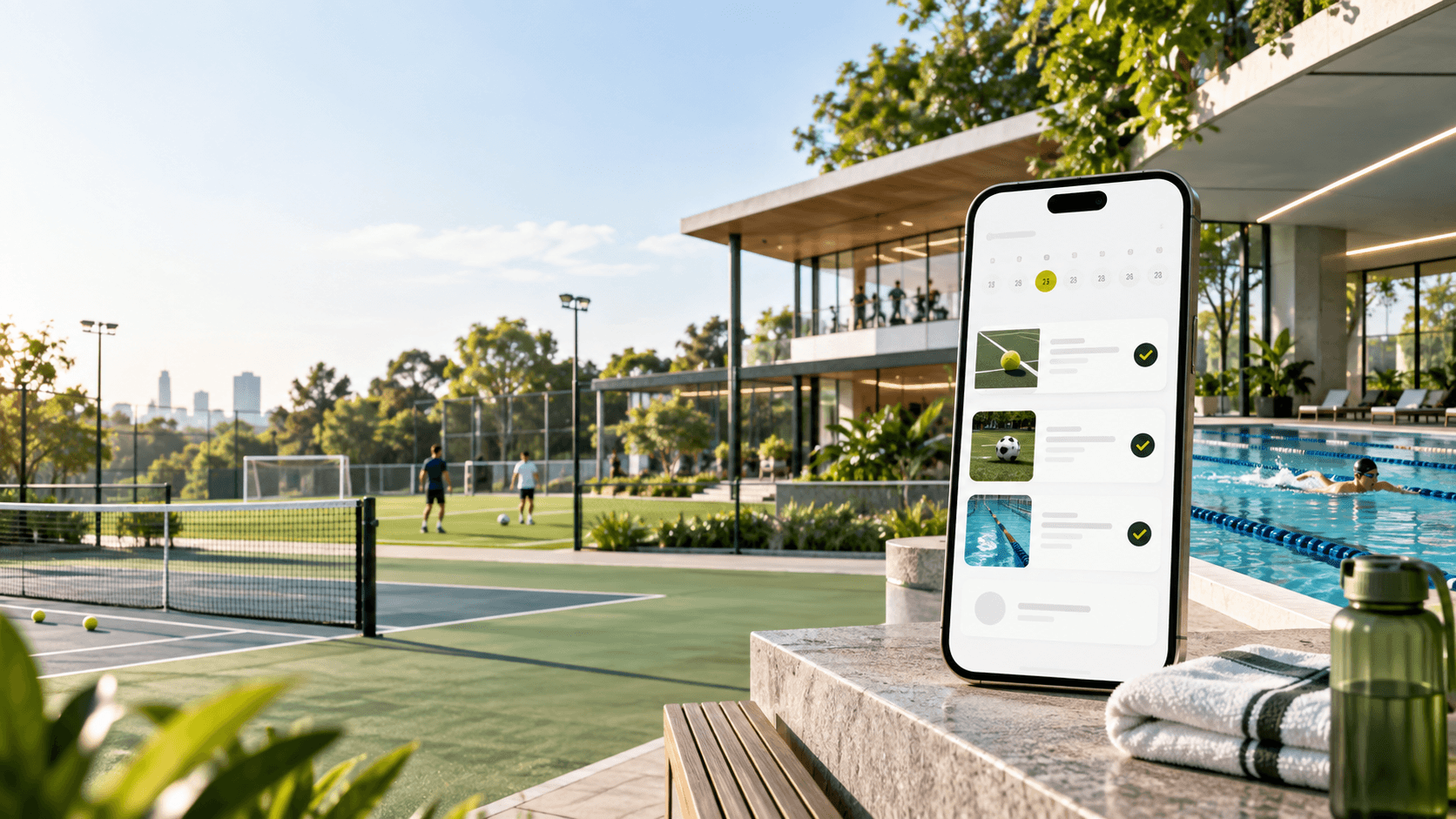
Booked for today
Live availability
See open times by sport, date, surface, and resource before you book.
No calls needed
Reserve a slot online and get the same schedule the club team uses.
Plans work automatically
Use included minutes and member discounts directly while booking.
Sports catalog
One account for every activity at the club
Choose tennis, football, swimming, or another available activity and open the exact booking calendar.

Tennis
Coming soon
Tennis resources with live availability, lessons, and member benefits.
Open booking
Football
1 resource
Football fields can use the same booking flow, calendar, and staff controls.
Open booking
Swimming
2 resources
Pool lanes or swimming sessions can be booked as resources too.
Open booking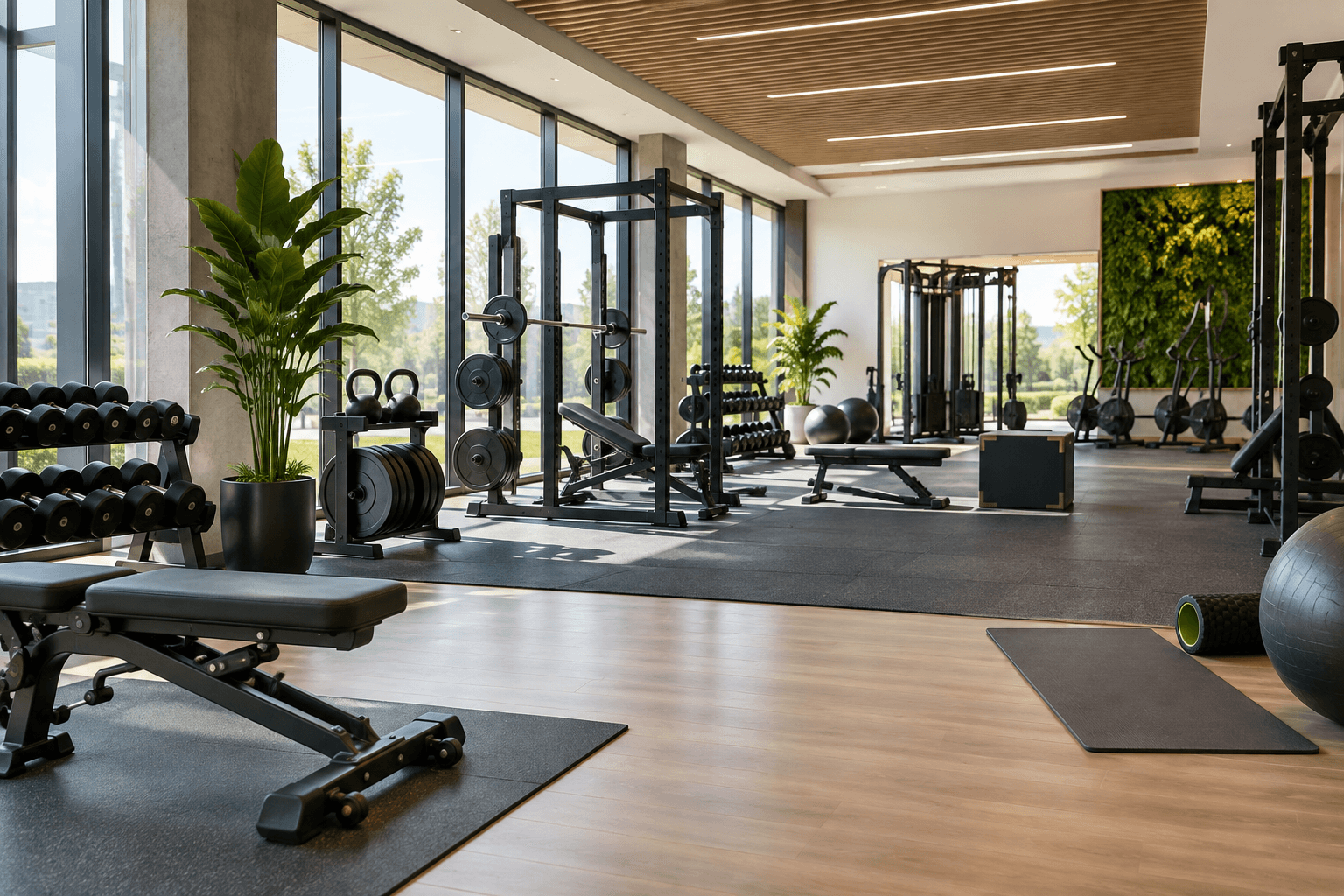
Gym
1 resource
Book gym time for personal training, small groups, or open training sessions.
Open booking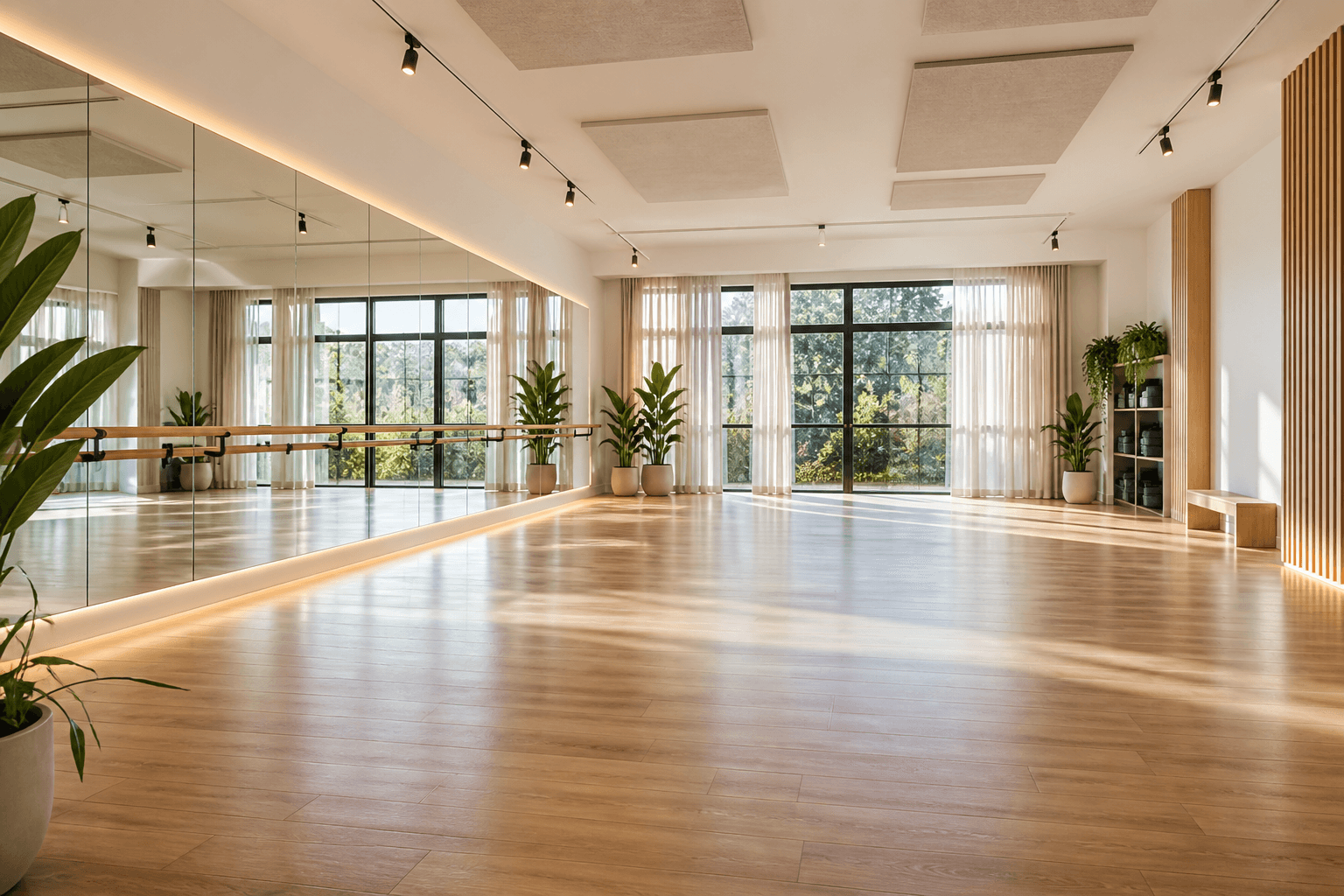
Dance studio
1 resource
Reserve the dance studio for classes, workshops, and private practice.
Open bookingBefore you book
Start from the activity, then see only relevant resources
The catalog keeps booking focused: tennis shows tennis courts, football shows pitches, swimming shows pools and lanes. Clients do not need to sort through every resource in the club.
Choose the sport
Open the activity you want instead of searching through one mixed calendar.
Compare resources
See surface, indoor setup, opening hours, photos, and available time.
Book and track
Confirmed visits stay in your account with payments and membership benefits.
Memberships
Plans for regular club visits
Included booking time, member pricing, and all benefits tracked in your account.
View membershipsClub guide
Fresh ideas for easier club visits
Articles about booking, memberships, and planning your visits.

Article
Online booking without calls or screenshots
A simple online calendar helps clients choose a sport, pick a time, and arrive with confidence.
Read article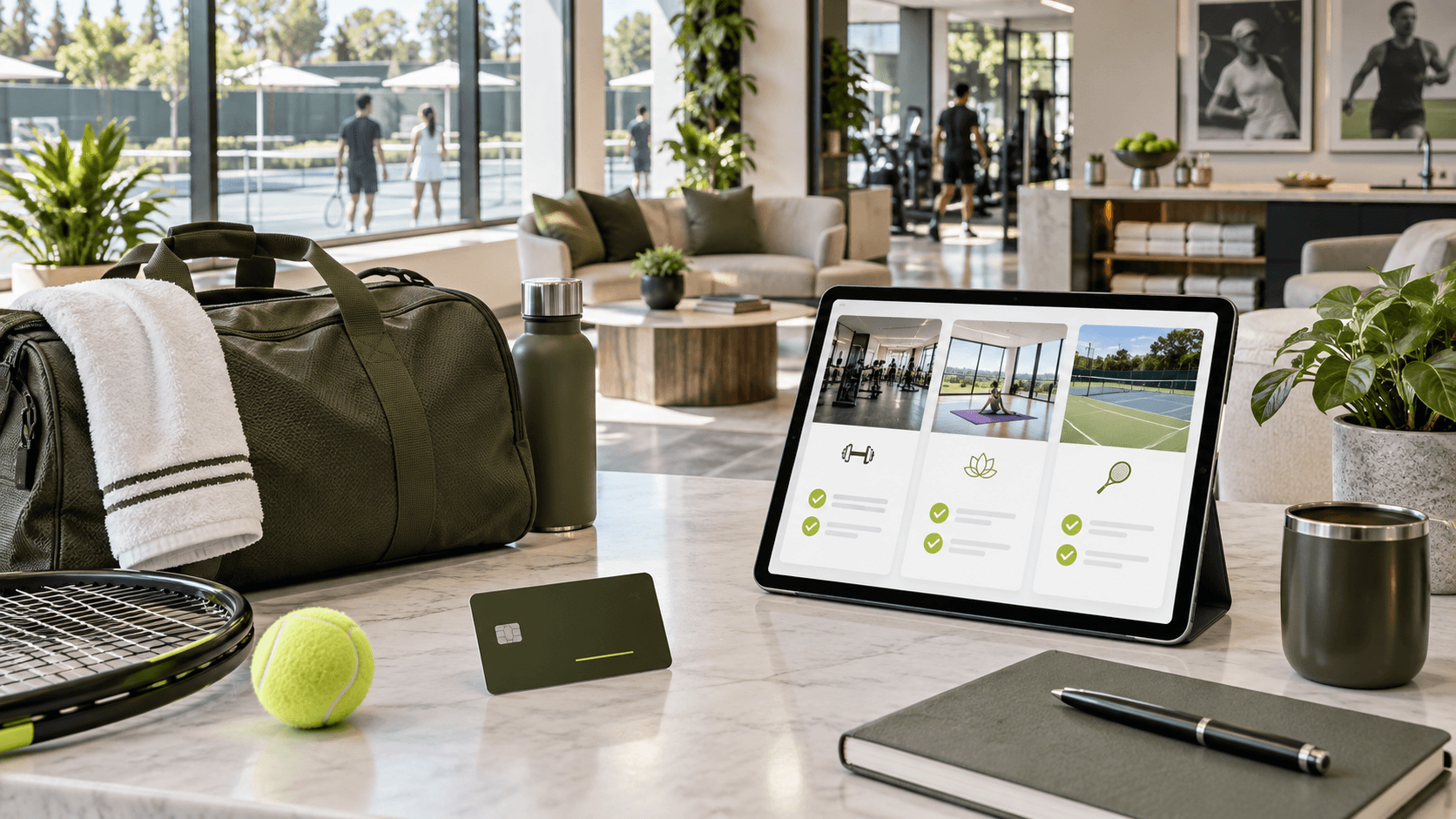
Article
How membership plans help regular players
Included minutes and member discounts make frequent club visits easier to plan and easier to manage.
Read article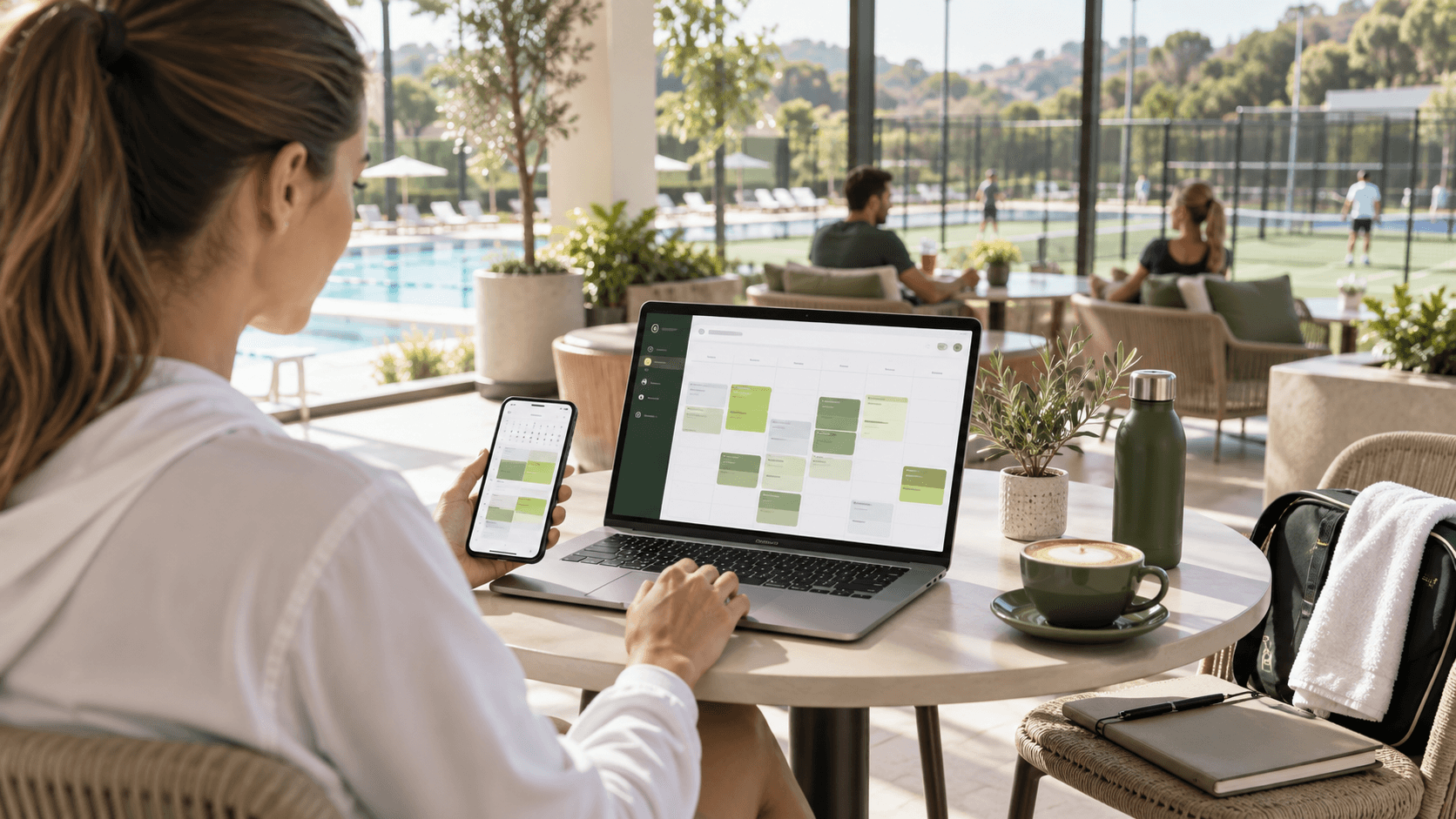
Article
Why your sports schedule belongs in one account
Bookings, lessons, payments, and memberships are easier to follow when they live in the same account.
Read articleHow booking works
From free slot to confirmed visit
The site keeps the booking flow simple for clients while using the same live schedule managed by the club team.
Choose sport and time
Filter by sport, date, time, and surface, then open the schedule for the exact activity.
Pick an available resource
Select a free court, field, lane, or lesson slot without calling the front desk.
Confirm and manage
Your booking appears in your account with time, resource, payment, and plan details.
Your schedule and club benefits stay together
Clients can plan around real availability, book from mobile, see their own schedule, and use membership benefits without messages, screenshots, or waiting for confirmation.
Personal schedule
Upcoming visits and lessons stay visible, so clients always know what is next.
Membership time
Included minutes and discounts are connected to booking instead of being tracked manually.
Booking history
Past visits, payment status, and active subscriptions stay attached to the same profile.
Why clients like it
Your schedule and club benefits stay together
Clients can plan around real availability, book from mobile, see their own schedule, and use membership benefits without messages, screenshots, or waiting for confirmation.
My accountBefore you arrive
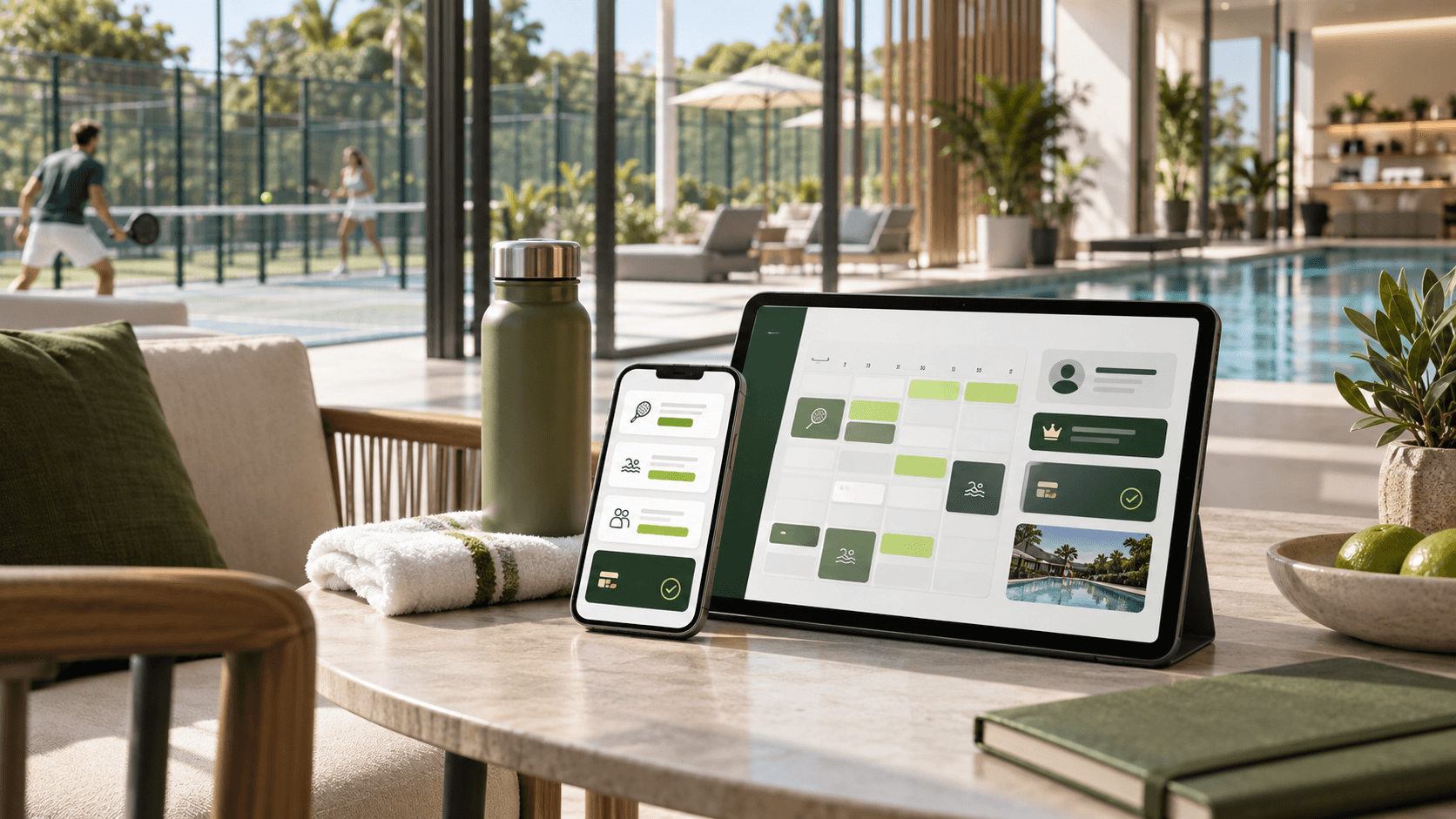
Everything is clear before you leave home
The site gives clients the small but important details that usually live in chats: when the session starts, which resource is booked, how the membership was applied, and what is coming next.
FAQ
Questions before you book
Do I need an account to book?
Yes. You can browse availability first, then sign in or create an account before confirming a slot.
Can I book without a membership plan?
Yes. You can book individual slots at the club price, or use a membership plan if you play regularly.
Where do I see my bookings?
Your account shows upcoming bookings, lessons, active memberships, payment status, and booking history.
Can I book different sports?
Yes. Start from the sport catalog, then open the booking page for tennis, football, swimming, or another available activity.
What happens when I use plan minutes?
If your plan has enough included time, the booking can use those minutes and the account keeps the remaining balance updated.