Sports catalog
Choose what you want to book
Open a booking calendar by sport and see only relevant resources.

Tennis
Coming soon
Tennis resources with live availability, lessons, and member benefits.
Open booking
Football
1 resource
Football fields can use the same booking flow, calendar, and staff controls.
Open booking
Swimming
2 resources
Pool lanes or swimming sessions can be booked as resources too.
Open booking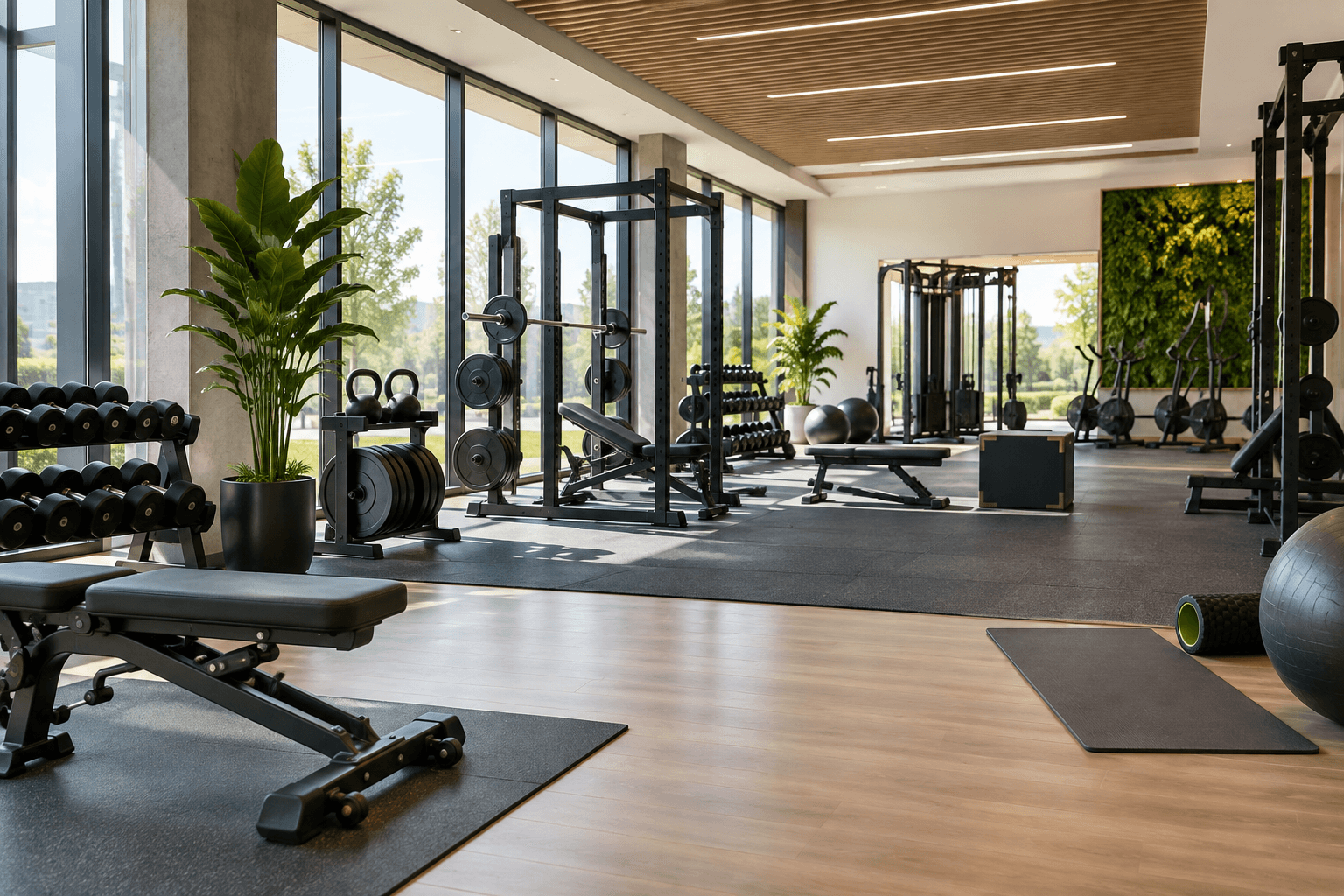
Gym
1 resource
Book gym time for personal training, small groups, or open training sessions.
Open booking
Dance studio
1 resource
Reserve the dance studio for classes, workshops, and private practice.
Open bookingBefore you book
Start from the activity, then see only relevant resources
The catalog keeps booking focused: tennis shows tennis courts, football shows pitches, swimming shows pools and lanes. Clients do not need to sort through every resource in the club.
Choose the sport
Open the activity you want instead of searching through one mixed calendar.
Compare resources
See surface, indoor setup, opening hours, photos, and available time.
Book and track
Confirmed visits stay in your account with payments and membership benefits.
Before you book
Start from the sport, not a mixed schedule
Each sport opens its own booking view, so clients see only the courts, pitches, pools, and lanes that match what they want to play.
Pick an activity
Choose tennis, football, swimming, or another published sport.
Open the right calendar
The schedule is filtered to that sport before the client starts booking.
Book with context
Photos, hours, surface, account details, and plan benefits stay close to the booking flow.