Only relevant resources
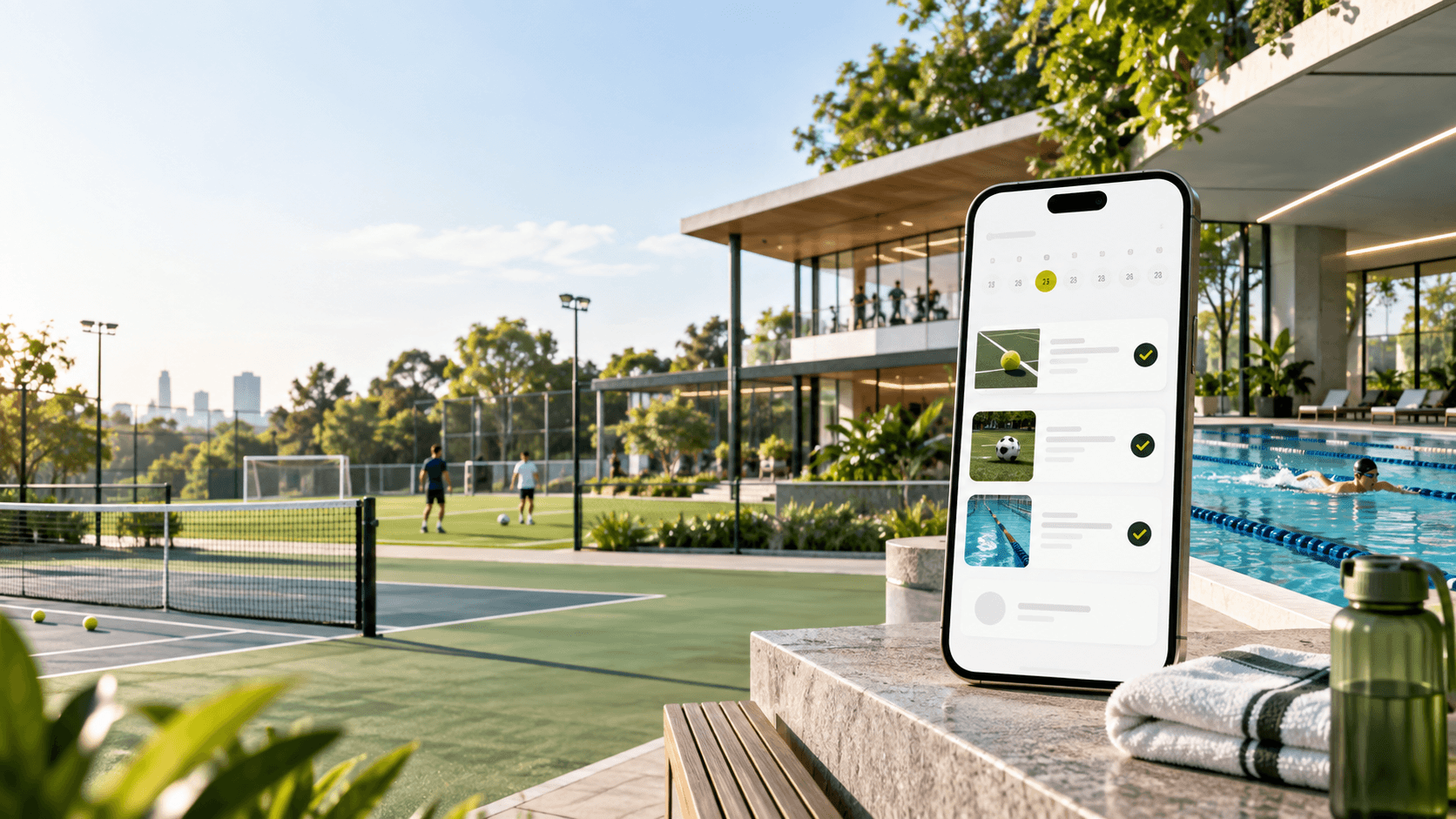
This page shows Tennis availability, resource photos, opening hours, and booking details together.
Booking help
Book Tennis with the full picture
The calendar stays functional and direct, while the page gives clients the context they need before choosing a slot.
Check the day
Start from today or pick another day to see live available time.
Choose the resource
Compare resources by name, indoor setup, hours, and current availability.
Confirm in account
After booking, the visit appears in your account with payment and membership details.
Resources
Know what you are booking
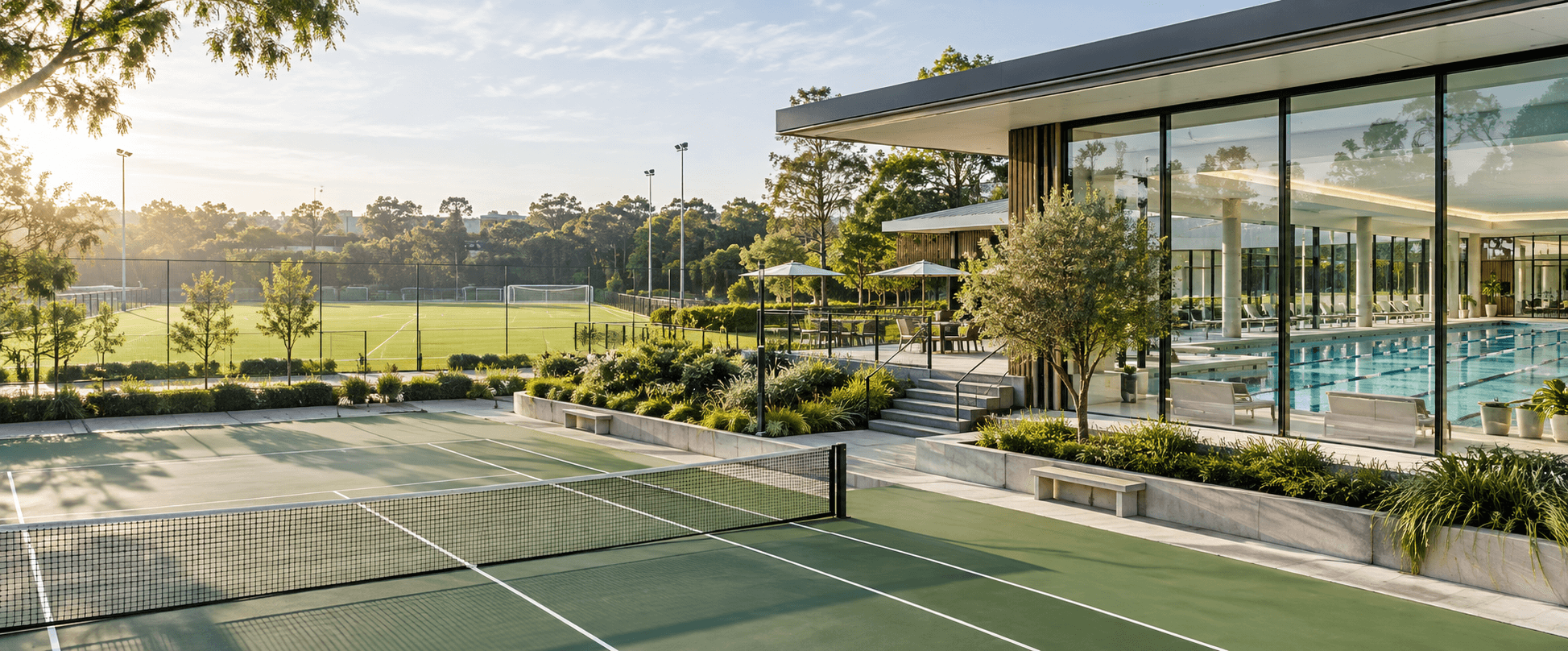
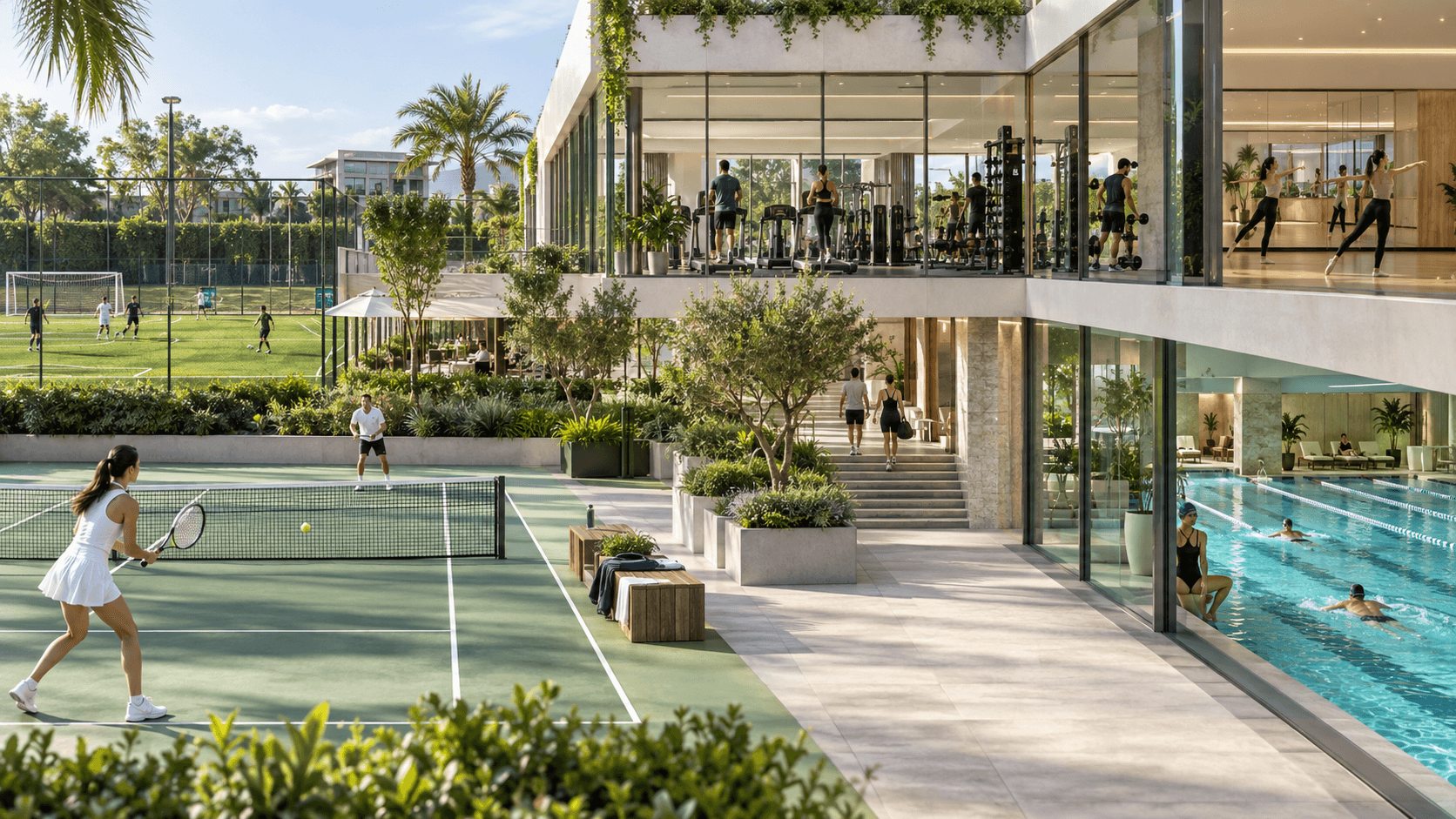
Resource cards help clients understand the available courts, fields, pools, and lanes before committing to a time.
Booking FAQ
Quick answers before you reserve
Small details that help clients book faster and arrive with confidence.
Can I browse availability before logging in?
Yes. You can inspect the calendar first, then sign in or create an account before confirming the booking.
Why do I only see some resources here?
Sport pages show only resources for the selected activity, so football, swimming, and tennis do not get mixed together.
Can a membership plan be used here?
Yes. Active plan minutes and discounts can be applied during booking when the plan has available benefits.
Where will I see the confirmed booking?
Your account keeps upcoming bookings, lesson details, payments, and membership status in one place.
Gallery


Your next visit
Book once, keep every visit organized
Pick a free slot, use membership minutes when they apply, and keep bookings, payments, and QR access together in your account.